Per-Tab Audio Control
The audio controls browsers forgot to include
Take complete control of audio in your browser. Boost quiet videos, fine-tune levels, or mute specific tabs while keeping others playing. Works with YouTube, Spotify, Twitch, and thousands of other sites. Features a real-time audio visualizer, per-tab output device selection, and a built-in limiter to prevent distortion at high volumes.
Audio Modes
- Tab Capture (Chrome only, default) — captures audio at browser level, most reliable
- Web Audio (Firefox default) — hooks into page audio directly
- Bypass Mode — native browser audio for maximum compatibility (0-100%)
- Per-site mode preferences saved automatically
Visualizer
- Five styles: Bars, Waveform, Mirrored, Curve, Dots
- Click and hold to cycle through styles
- Works on all sites via Tab Capture (Chrome default)
Volume Control
- Volume range from 0% to 500% per tab
- Non-linear slider: left half for 0-100%, right half for 100-500% boost
- Five customizable preset buttons for quick access
- Built-in limiter prevents clipping and protects speakers
- Badge shows current volume percentage on extension icon
Audio Processing
- Balance slider for left/right panning
- Channel modes: Stereo, Mono, Swap
- Bass Boost/Cut for low frequency control
- Treble Boost/Cut for high frequency control
- Voice Boost for clearer dialogue
- Range (compressor) with presets: Podcast, Movie, Maximum
Device Selection
- Route each tab to different audio outputs
- Set a global default device for new tabs
- Useful for gaming + music, streaming + chat, work calls
Site Rules
- Save settings for specific websites or domains
- Auto-apply volume, EQ, compressor, device, and more
- Syncs across devices via browser account
Convenience
- Keyboard shortcuts: Alt+Shift+Up/Down (volume), Alt+Shift+M (mute)
- Right-click context menu with full feature access
- Mute other tabs to focus on one audio source
- Navigate between tabs with audio
- Basic/Advanced mode toggle for simplified or full UI
- Customizable header layout via drag-and-drop in Settings
Privacy
- No data collection, analytics, or tracking
- All processing happens locally in your browser
- Settings sync via your browser account only
Screenshots
Popup Interface - EQ Sliders
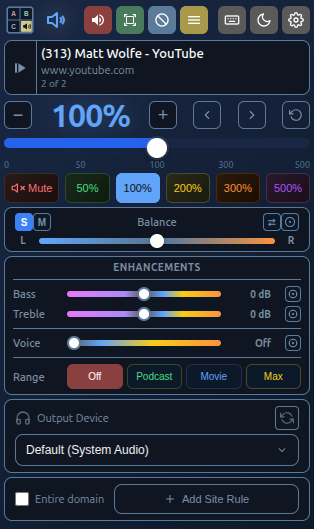
Bedtime Theme
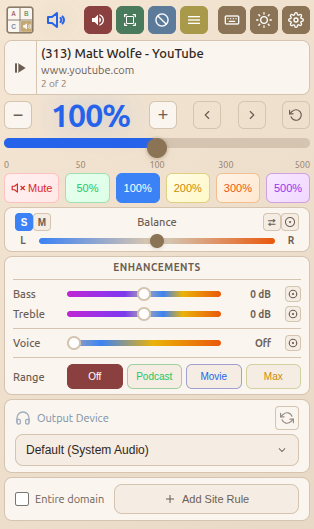
Morning Theme
Popup Interface - EQ Presets
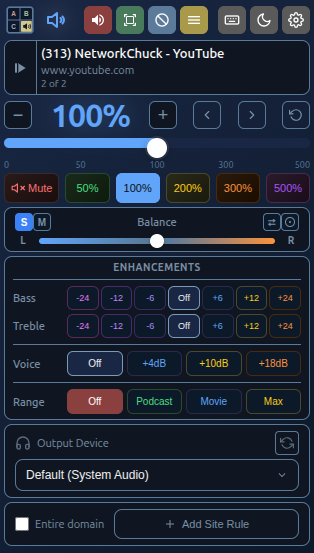
Bedtime Theme
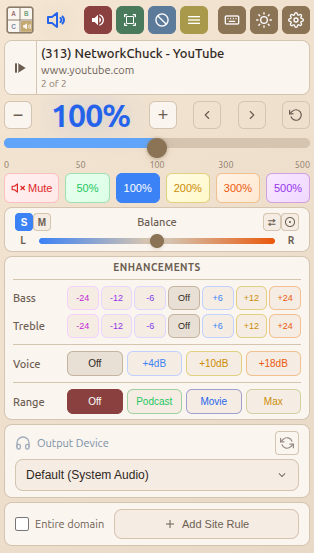
Morning Theme
User Guide
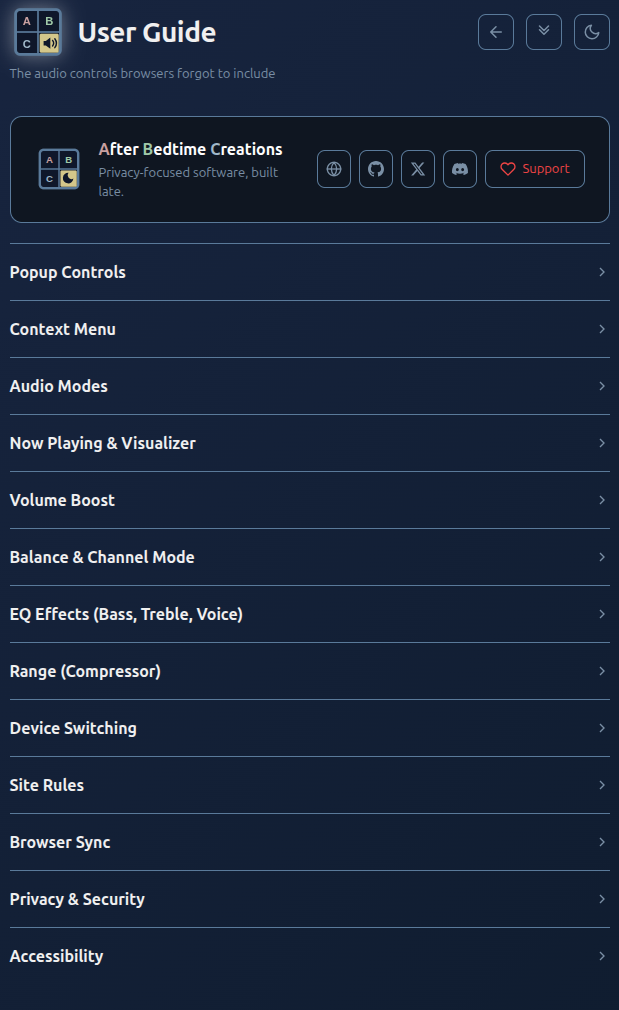
Bedtime Theme
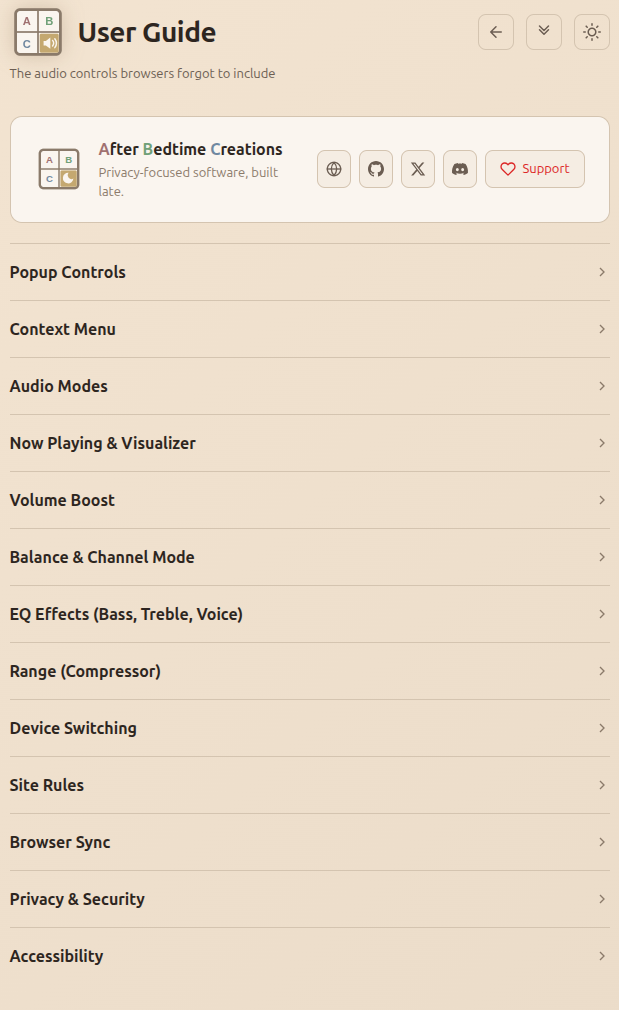
Morning Theme
Settings
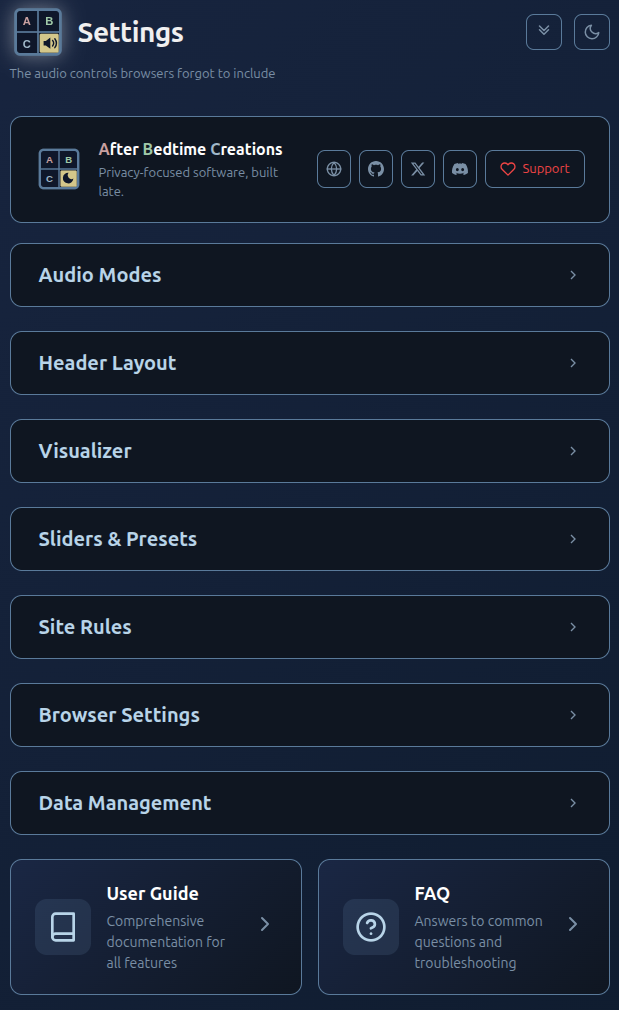
Bedtime Theme
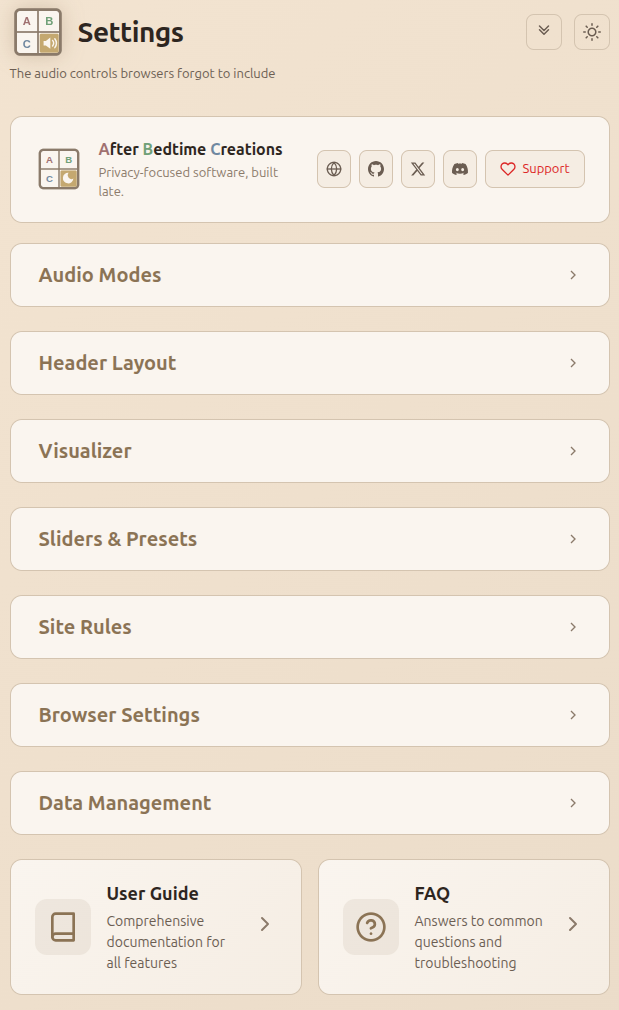
Morning Theme
More Projects Coming
Have an idea for a browser extension? Patreon is coming soon - join the community and help shape what gets built next.
Patreon — Soon